
Insights
Is Your Operating System Protecting You Enough (Windows, macOS, iOS & Android), Or Do You Need Additional Security?
Cybersecurity has changed dramatically over the last decade. Modern operating systems now include built-in security features that would once have required expensive third-party software. Whether you’re using Windows, macOS, iOS, or Android, your device already includes a range of protections designed to defend against malware, phishing attacks, and unauthorised access.
However, while built-in security provides a strong foundation, the growing sophistication of cyber threats means many users and businesses choose to supplement their operating system’s protection with dedicated security software. The question is no longer whether your device has security, but whether that security is sufficient for your needs.

The Security Built Into Modern Operating Systems
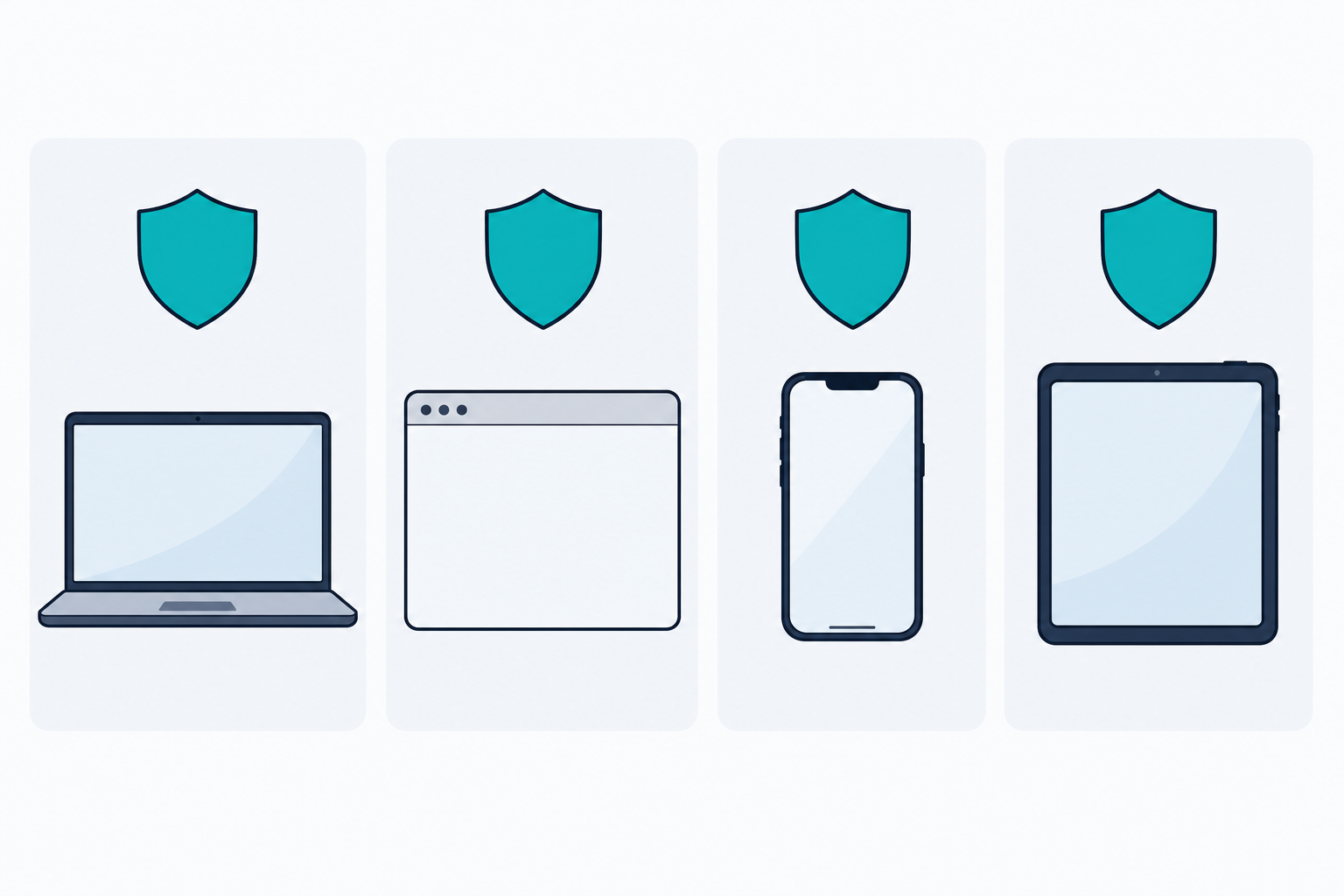
Today’s operating systems are far more secure than their predecessors.
Windows
Microsoft Windows includes:
- Microsoft Defender Antivirus
- SmartScreen web protection
- Firewall protection
- Ransomware protection
- Device encryption
- Secure Boot
- Microsoft Defender for Endpoint (business editions)
macOS
Apple provides:
- Gatekeeper application security
- XProtect malware scanning
- Built-in firewall
- FileVault encryption
- Application sandboxing
iOS
Apple’s iPhone ecosystem includes:
- Application sandboxing
- Secure Enclave protection
- Face ID and Touch ID security
- Automatic application vetting through the App Store
- Encryption by default
Android
Modern Android devices provide:
- Google Play Protect
- Secure app permissions
- Device encryption
- Regular security patching
- Biometric authentication
For many users, simply keeping these systems updated will provide a strong level of protection against common threats.
The biggest security weakness is often not the operating system itself, but the user. Clicking phishing links, downloading suspect software, and reusing weak passwords remain some of the most common ways cybercriminals gain access to devices and accounts.
Why Would You Need Additional Protection?
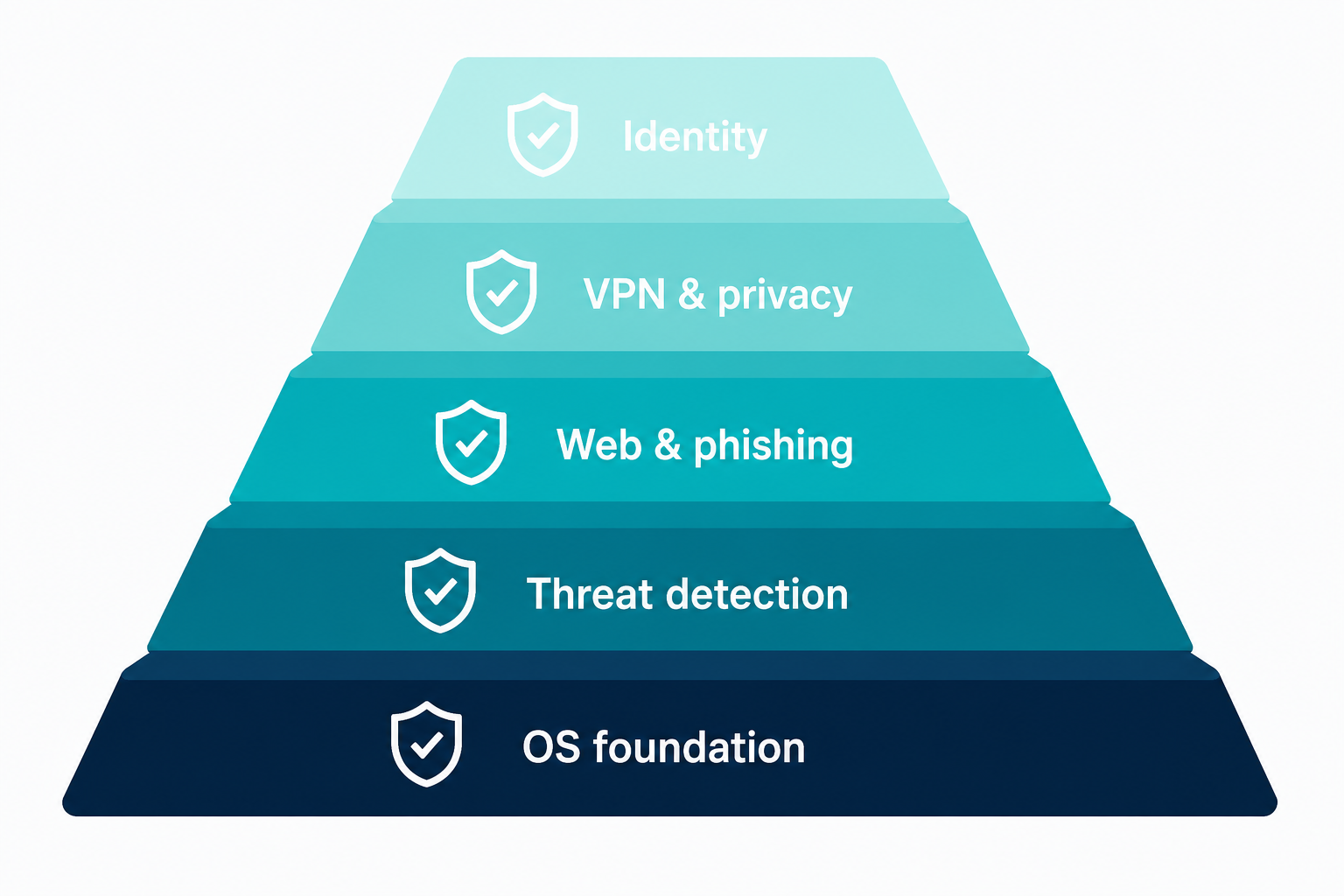
Think of your operating system’s protection as the locks on your front door.
Good locks provide security, but many homeowners still install:
- CCTV cameras
- Alarm systems
- Motion sensors
- Video doorbells
The same principle applies to cybersecurity.
Premium security solutions add layers of protection that go beyond what most operating systems include by default.
Additional features often include:
Advanced Ransomware Protection
Premium products actively monitor suspicious file encryption behaviour and can roll back attacks before significant damage occurs.
Enhanced Anti-Phishing Protection
Many paid security products are particularly effective at detecting malicious websites before credentials can be entered.
VPN Services
Many suites now include integrated VPN services for secure browsing when using public Wi-Fi.
Password Managers
Helping users generate and store complex unique passwords across all devices.
Identity Monitoring
Some providers monitor data breaches and alert users if personal information appears online.
Webcam and Privacy Protection
Additional controls can prevent unauthorised access to cameras and microphones.
Multi-Device Security
A single licence often covers Windows laptops, Macs, Android phones, iPhones, and tablets.
For businesses, additional benefits often include:
- Centralised management
- Threat reporting
- Endpoint monitoring
- Compliance support
- Device management tools
Security Software Comparison
| Solution | Free Version | Best For | Additional Features | Overall Rating |
|---|---|---|---|---|
| Microsoft Defender | Included with Windows | General users | Basic security features | ★★★★ |
| Microsoft Defender Premium/Business | Paid | SMEs | Endpoint management, advanced security | ★★★★★ |
| AVG Free | Yes | Basic home users | Limited features | ★★★ |
| AVG Internet Security | Paid | Families | Enhanced web and ransomware protection | ★★★★ |
| Avast One | Free/Paid | Home users | VPN, privacy features | ★★★★ |
| McAfee Total Protection | Paid | Multi-device households | Identity monitoring, VPN | ★★★★ |
| Norton 360 | Paid | Families and professionals | Backup, identity protection, VPN | ★★★★★ |
| ESET Home Security | Paid | Technical users and SMEs | Lightweight advanced protection | ★★★★★ |
| Bitdefender Total Security | Paid | Home users and SMEs | Comprehensive premium protection | ★★★★★+ |
Detailed Analysis Of The Leading Solutions
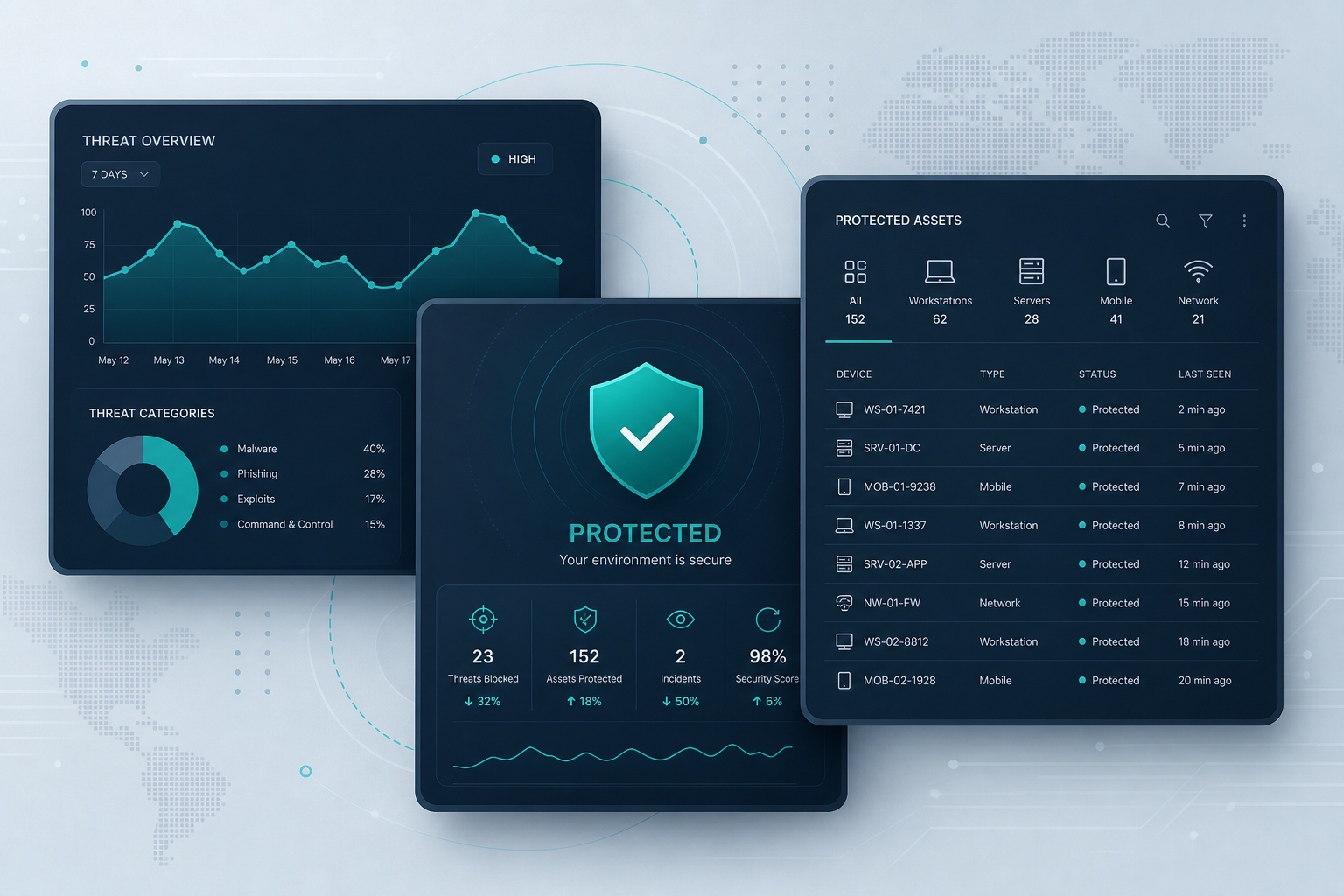
Microsoft Defender Premium Solutions
Microsoft Defender has become one of the strongest built-in antivirus platforms available today.
Strengths
- Excellent malware detection
- Built directly into Windows
- Low system impact
- Seamless Microsoft 365 integration
- Strong business security ecosystem
Weaknesses
- Some advanced capabilities require Microsoft 365 subscriptions
- Consumer features are less comprehensive than some competitors
Best For
- Microsoft-focused businesses
- Users wanting integrated protection
- Organisations already using Microsoft 365
McAfee Total Protection
McAfee has undergone significant improvements over recent years.
Strengths
- Multi-device coverage
- Identity monitoring
- Integrated VPN
- User-friendly interface
Weaknesses
- Can consume more system resources than competitors
- Interface occasionally feels cluttered
Best For
- Large households
- Users wanting one licence for multiple devices
Norton 360
Norton has evolved beyond traditional antivirus software.
Strengths
- Excellent malware protection
- Identity theft monitoring
- Secure VPN
- Cloud backup
- Strong family security features
Weaknesses
- Higher pricing
- Some features may be unnecessary for casual users
Best For
- Families
- Remote workers
- Users concerned about identity theft
ESET Home & Business Security
ESET has always been highly regarded by IT professionals.
Strengths
- Extremely lightweight
- Excellent detection rates
- Advanced configuration
- Strong SME management tools
Weaknesses
- Less beginner-friendly
- Fewer consumer-focused extras
Best For
- Technical users
- Small businesses
- Managed service environments
Bitdefender Total Security
Bitdefender consistently stands out as one of the most balanced security solutions available.
It combines exceptional protection with a wide range of additional security features while remaining light on system resources.
Strengths
- Industry-leading malware protection
- Advanced behavioural threat detection
- Multi-layer ransomware protection
- Exceptional anti-phishing capabilities
- Secure online banking browser
- VPN integration
- Password management
- Webcam and microphone protection
- Protection across Windows, macOS, Android and iOS
Weaknesses
- More expensive than free alternatives
- Some premium features require higher subscription tiers
Best For
- Home users seeking maximum security
- Small and medium businesses
- Remote workers
- Users handling sensitive information
Which Security Solution Should You Choose?
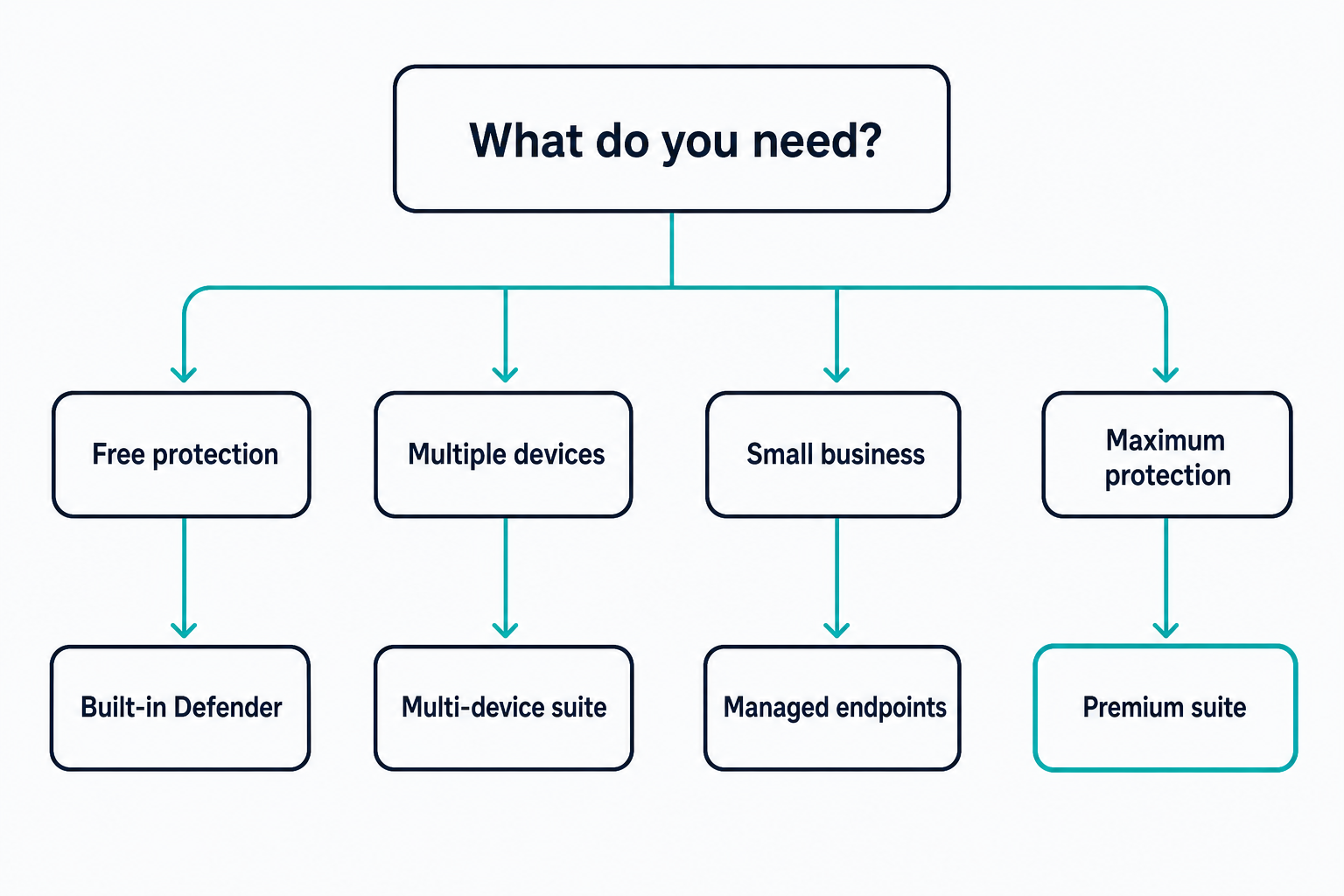
If You Want Free Protection
Microsoft Defender is an excellent choice and will provide strong baseline protection for most users.
If You Have Multiple Devices
McAfee and Norton both provide strong value through multi-device licensing and broad feature sets.
If You’re A Small Business
ESET and Microsoft Defender Business offer excellent management capabilities and control.
If You Want The Highest Overall Protection
Bitdefender consistently delivers one of the best balances of:
- Security
- Performance
- Ease of use
- Privacy features
- Cross-platform protection
Final Verdict
Modern operating systems already provide a strong baseline level of security, and for many users, simply keeping Windows, macOS, iOS, or Android updated will dramatically reduce their risk of infection.
However, cyber threats continue to evolve. Phishing attacks, ransomware, identity theft, and sophisticated social engineering attacks often target users rather than operating system vulnerabilities. This is where dedicated security solutions add significant value.
While Microsoft Defender is arguably the best free security solution available today, users seeking the highest level of protection should consider a dedicated security suite.
Our overall recommendation is Bitdefender Total Security.
It offers the best combination of advanced threat detection, ransomware protection, privacy tools, performance, and cross-platform coverage, making it one of the strongest choices for both home users and small businesses looking for security beyond the operating system’s built-in protections.
Stokesley Computer Consultants is an authorised Bitdefender reseller. You can buy licences online from our shop — after payment you’ll get an order confirmation, then your activation code and download links by email shortly afterwards.
- Shop Bitdefender licences
- Cyber security services — monitoring, awareness, and practical defences
- Online safety for home — protection for households and home offices
- Free consultation — book a no-pressure conversation